10
114
ANTENNA TUNER OPERATION
The AT-180 automatic antenna tuner matches the IC-
7000 to the connected antenna automatically. Once the
tuner matches an antenna, the variable capacitor setting
are memorized as a preset point for each frequency
range (100 kHz steps). Therefore, when you change the
frequency range, the variable capacitors are automati-
cally preset to the memorized point.
NOTE:
•The AT-180 can match both HF and 50 MHz
bands. However, operation is different for the HF
and 50 MHz bands.
• When connecting the AT-180, the IC-7000’s output
power must be set over the 10 W. Otherwise, the
AT-180 may not be tuned correctly. (AT-180’s min-
imum operating input power is 8 W.)
The AT-180 cannot be used for the 144/430 MHz
bands. When operating on the 144/430 MHz band,
pushing [TUNER/CALL] selects the call channel
(p. 100).
CAUTION: NEVER transmit with the tuner ON
when no antenna is connected. This will damage
both the transceiver and antenna tuner.
■ Optional AT-180
AUTOMATIC ANTENNA TUNER
operation
D Tuner operation
•For the HF band:
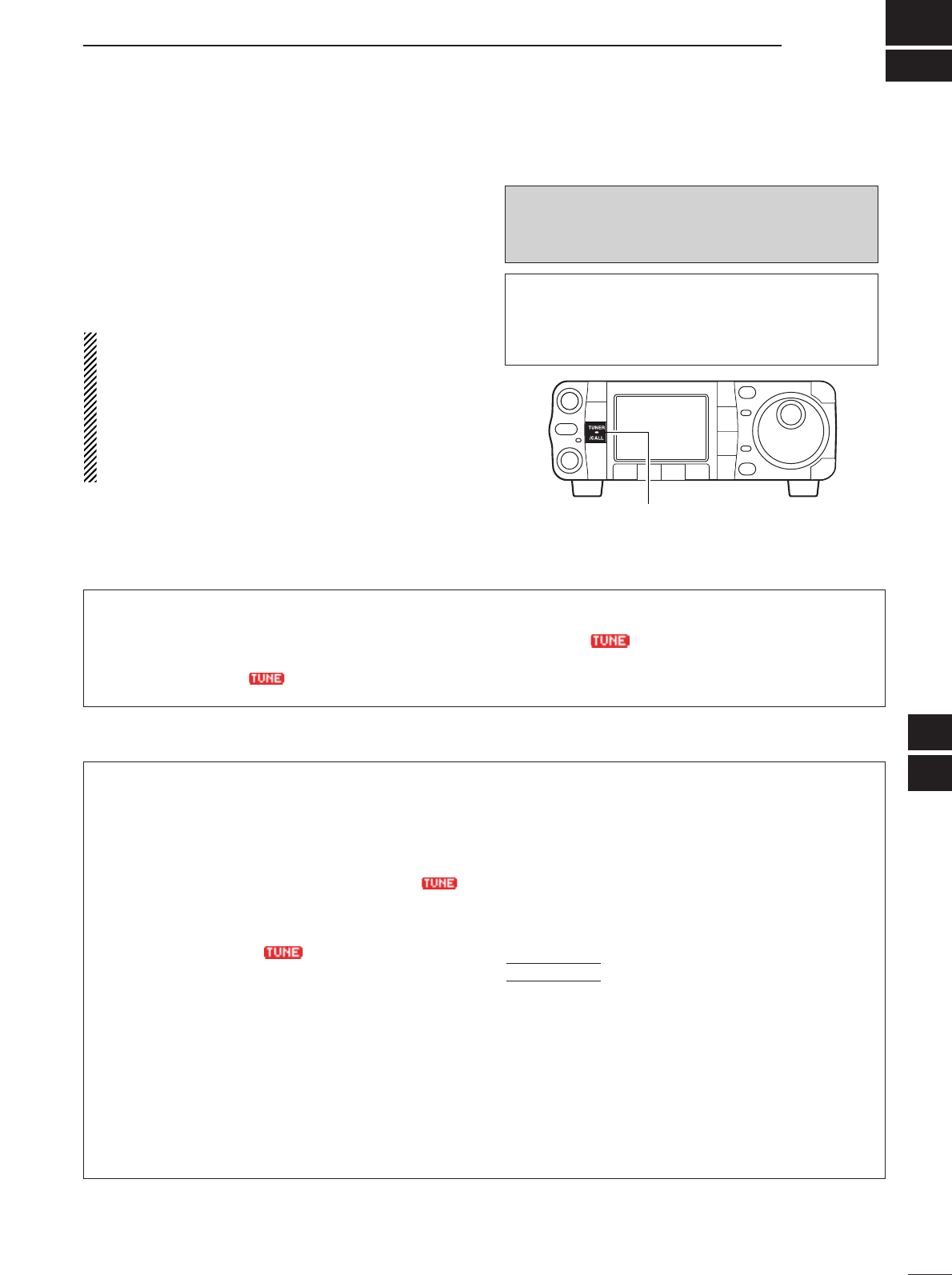
Push [TUNER/CALL] to turn the tuner ON. The an-
tenna is tuned automatically during transmission
when the antenna SWR is higher than 1.5:1.
•When the tuner is ON, “ ” indication appears.
•For the 50 MHz band:
Push and hold [TUNER/CALL] for 1 sec. to tune the
antenna. If “”indicator blinks slowly while trans-
mitting, push and hold [TUNER/CALL] for 1 sec.
again to re-tune the antenna.
D Manual tuning
During SSB operation on HF bands at low voice lev-
els, the AT-180 may not be tuned correctly. In such
cases, manual tuning is helpful.
Push [TUNER/CALL] for 2 sec. to start manual tun-
ing.
•CW mode is selected, a side tone is emitted, and “”
indicator blinks; then, the previous mode is selected.
If the tuner cannot reduce the SWR to less than 1.5:1
after 20 sec. of tuning, “”indicator disappears.
In this case, check the following:
•the antenna connection and feedline
•the antenna SWR (p. 36; meter function)
Through inhibit (HF bands only)
The AT-180 has a through inhibit condition. When se-
lecting this condition, the tuner can be used at poor
SWR’s. In this case, automatic tuning in the HF bands
activates only when exceeding SWR 3:1. Therefore,
manual tuning is necessary each time you change the
frequency. Although termed “through inhibit,” the tuner
will be set to the “through” configuration if the SWR is
higher than 3:1 after tuning.
•Tuner sensitive condition (HF bands only)
If you require critical tuning at any time during trans-
mission, select the tuner sensitive condition. See
p. 131 for selection.
•Automatic tuner start (HF bands only)
If you want to turn OFF the tuner under conditions of
VSWR 1.5:1 or less, use “automatic tuner on” and
turn the tuner OFF. See p. 130 for turning the function
ON and OFF.
CONVENIENT
9
10